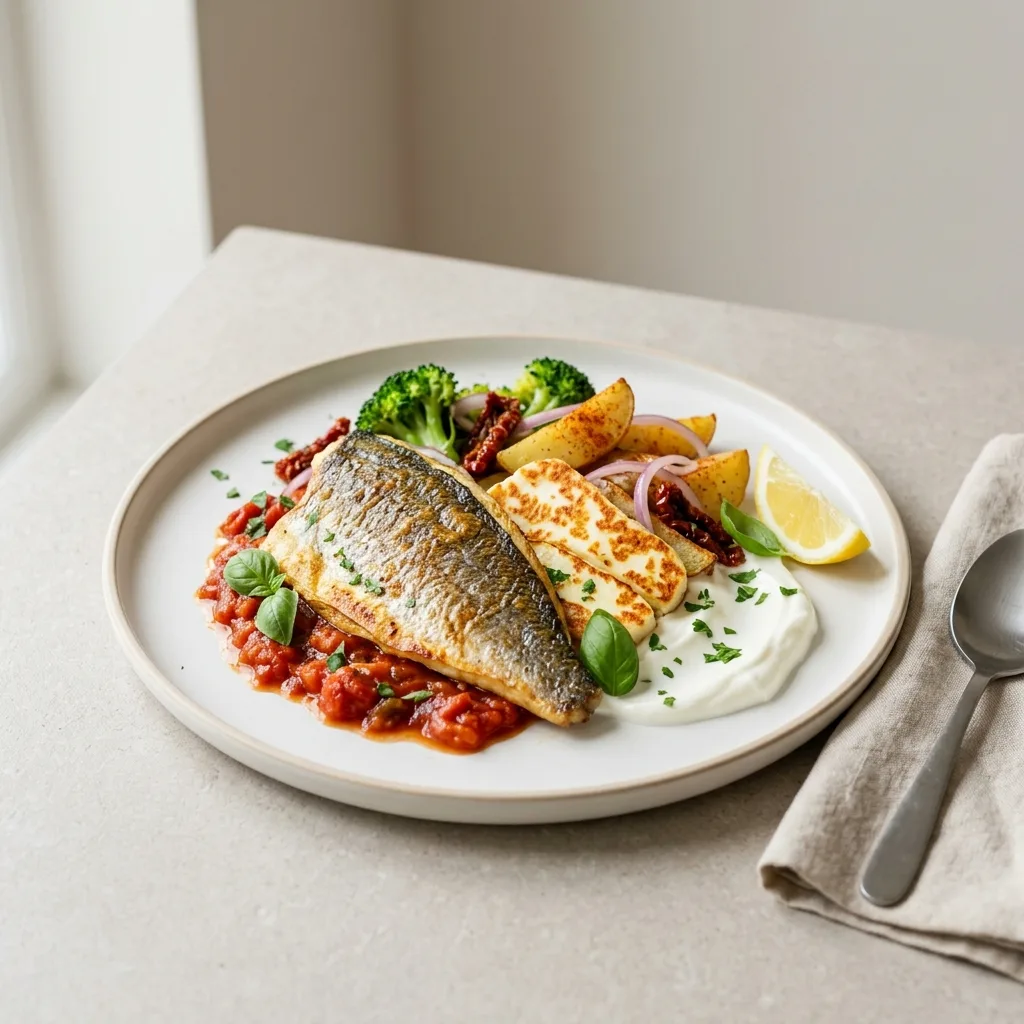
Plan the week's menu with your family
Add dishes, plan the week and share the menu with the people you cook for. The shopping list builds itself and the nutrition is counted for you.


How it works
Add dishes
Pick from the catalog or create your own. Nutrition is counted automatically.
Plan the week
Lay dishes out by day and meal, and move them between days.
Get the shopping list
Ingredients merge into one list, grouped by category. Tick off what you buy right in the store.
A sample day – here's what your plan will look like:
Breakfast
Lunch
Dinner
Snacks and dessert
Snack
Dessert
The list builds itself from the week's dishes and is grouped by category:
Nutrition and allergens: there, but not in your way. Calories, protein, fat and carbs of every dish and day are already counted. Don't need them? Just plan. An “allergen-free” filter and allergen marks on dishes.
When the week isn't planned
“What are we eating today?”
Dinner is already in the plan, nothing to decide.
Forgotten groceries
The shopping list is built from the dishes you planned, and you can tick off what you bought.
I plan, my partner can't see it
Share the menu: invited people see your plan in their own app.
One menu for the whole family
Invite the people you cook for by email: they create an account and see your menus in their own app, and only you can change them.
- Any menu can be made private, and then only you see it
- Allergens, diet and disliked products are never shown to others
Family menus
Weekly menu
Seen by you and your partner
You: can editPartner: view onlyPersonal menu
Private: only you see it
Questions and answers
What is Mealvy and who is it for?
You build the week's menu from dishes, and the shopping list is put together from it. Mealvy counts the nutrition of each dish and day, keeps your recipes and products, and lets you show the menu to your family. It suits people who plan the week ahead and anyone who just wants to know the nutrition facts of their dishes.
How is the shopping list put together?
Add dishes to your menu plan for the days you need – Mealvy automatically gathers all the ingredients from those dishes into a single shopping list. You can check off items you've bought right in the list, so you never get lost in the supermarket.
Can I use Mealvy without registering?
The catalog of dishes and products is available without signing in. But to save your own menu, shopping list, and favorites, you'll need to sign in – by email or with a single click through Google.
Who can see my menus?
By default, saved menus are visible to your family members – users you invited who accepted. You can make any menu private so only you can see it. Allergens, diet, and disliked products are never shown to others. Dishes and products you create are public and carry your name.
Can I install Mealvy as an app on my phone?
Yes. Mealvy is a PWA (progressive web app): you can install it to your phone's or computer's home screen right from the browser, without the App Store or Google Play, and it will open just like a regular app.
What happens if I lose my internet connection?
Mealvy partly works offline: pages and data you've already opened stay available, and changes made without a connection are kept on your device (up to 50 actions for 24 hours) and sync as soon as the network is back. If you sign out, unsynced offline changes are lost – the app warns you about it.
Build your first menu in a few minutes
Sign in with Google or email, and you can start your first week right away.
Start for free- The dish catalog is open without signing up
- Any menu can be made private
- Installs on your phone like an app